Blog
AI Isn’t for Demos. It’s for Work.
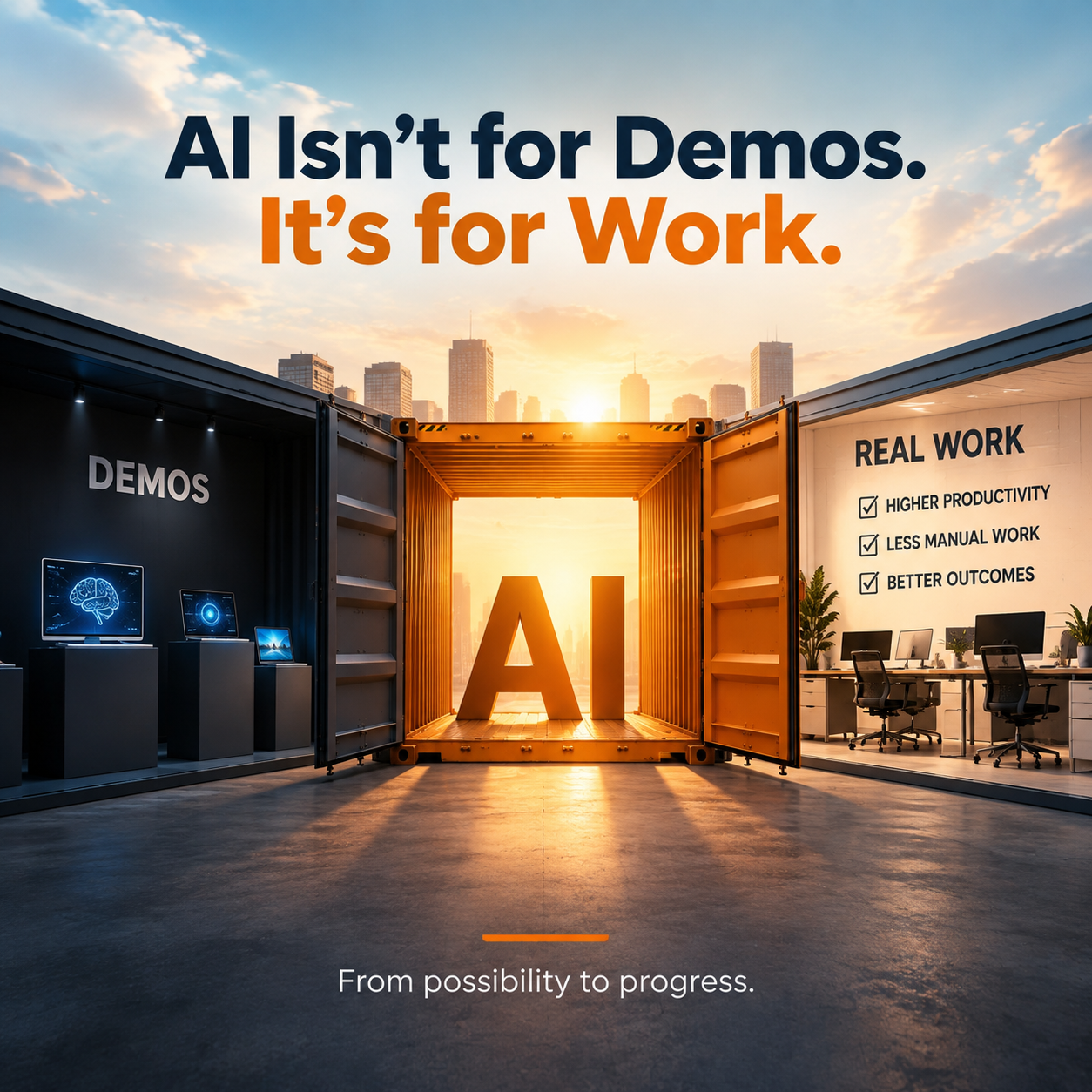
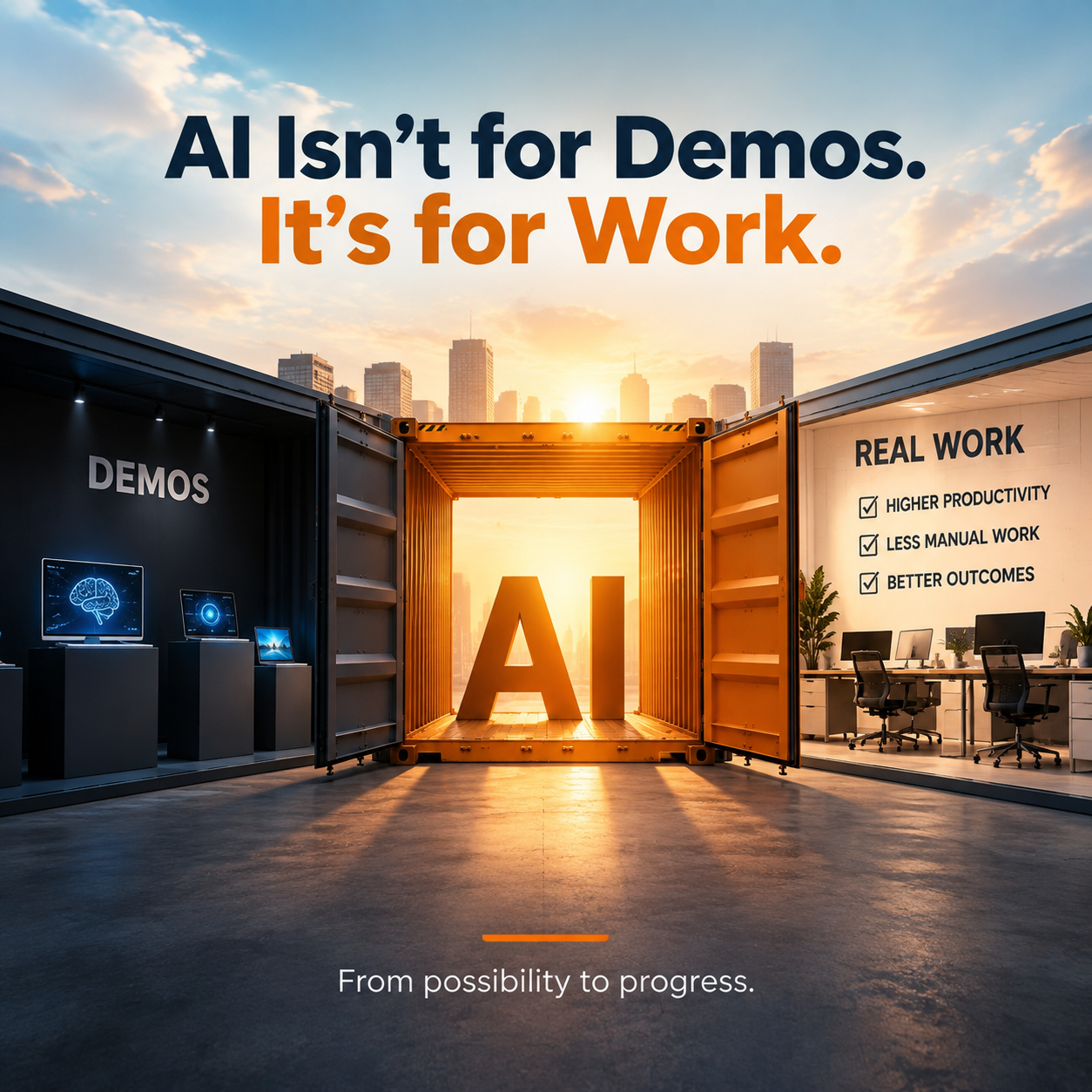
There is a growing gap between how AI is presented and how it is actually used in the workplace. Most AI tools are designed to impress: flashy demos, complex features, and polished outputs that look great in a pitch. But when it comes to daily workflows, many of those same products fall short, because people do not need more features. They need less friction.
The real value of AI is not in what it can showcase, but in what it can remove. Manual tasks, repetitive workflows, admin-heavy processes and time-consuming steps are where practical AI delivers the most impact. A tool that quietly saves someone twenty minutes of copy-and-paste every morning will beat a tool that generates an impressive-looking report nobody asked for.
What makes AI useful in daily work
Useful AI helps people complete tasks faster, cut repetitive work, and make better decisions without adding effort. When AI simplifies work instead of complicating it, adoption happens naturally — nobody needs a change-management programme to start using something that obviously saves them time.
This is where many AI products go wrong. They optimise for attention rather than outcomes, because attention is what wins the demo. But the demo is not the job. The best AI software does not add more layers on top of how people work; it removes them, acting as a practical productivity layer that makes everyday work faster and more intuitive without forcing users to change everything about how they already operate.
Consider a simple example from events. An AI feature that drafts a personalised agenda from an attendee's registration data solves a real problem in seconds. An AI chatbot bolted onto the home screen "because everyone has one" mostly adds another thing to ignore. Same technology, very different value.
4 ways to design AI that actually gets used
1. Focus on everyday workflows
AI should improve tasks people already do, not invent an entirely new way of working. The closer a feature fits existing behaviour — writing the follow-up email, summarising the meeting, matching the right people — the less users have to learn, and the easier adoption becomes.
2. Reduce clicks and setup
If users have to configure too many steps or learn a complicated process before seeing any benefit, most will never get there. Simple AI tools win because they save time from the very first use. Every setup screen you remove is a cohort of users you keep.
3. Prioritise outcomes, not features
Users care about results: faster work, better output, less manual effort, clearer next steps. How advanced the underlying technology sounds matters far less than whether the person on the other end finished their task sooner. Measure your AI by the outcome it produces, not the capability it demonstrates.
4. Remove friction, don’t add complexity
AI workflow automation should strip out unnecessary steps. If a feature creates more work, more decisions or more confusion than it removes, it has negative value regardless of how clever it is — and users will route around it.
The difference between useful and ignored
The gap between useful AI and ignored AI is simple: one makes work easier, the other only makes it look better. If you want your AI product to be used rather than admired, design for the moments that matter in real workflows — the busy Tuesday afternoon, not the Friday demo.
At SixSides, we apply this thinking to events. We use practical AI to reduce friction for organisers, streamline event workflows, and create clearer paths to attendee engagement — so teams spend less time on manual tasks and more time building meaningful connections. If you want to turn passive audiences into engaged communities, get in touch and we'll show you how.
Give your event a community that lasts
A branded app where members show up before day one and stay long after the close. We'll walk you through it.