Blog
Easiest Event Community Platform for Small Events Teams to Manage
Which Event Community Platform Is Easiest for Small Events Teams to Manage?
The easiest event community platform for small events teams is one that brings event management, attendee communication, networking and community engagement into one place without adding unnecessary administrative work. For organisations running regular events with limited staff, SixSides is an option worth considering. It combines community and event software to help organisers manage events, connect attendees and maintain engagement before, during and after each gathering.
However, the simplest platform depends on what your team actually needs. A small workshop may only require registration and reminders, while an association running monthly networking events may benefit from a platform that supports ongoing member connections.
Why Small Events Teams Need Simpler Software
Managing events with a small team often means handling several responsibilities at once.
One person might organise the venue, coordinate speakers, answer attendee questions and manage event communications.
Another might oversee registrations, sponsors and post-event follow-ups.
Even a small networking event can involve considerable coordination.
For example, imagine a professional association with two staff members organising monthly networking breakfasts.
The team uses spreadsheets for attendee information, email for updates and a messaging group for community discussions.
Each tool serves a purpose, but keeping everything organised takes time.
A suitable event community platform should reduce the number of disconnected processes the team needs to manage.
The goal isn't necessarily to replace every tool. It's to make everyday event tasks easier.
For a broader look at selecting technology around practical needs, read Event Tech Should Solve Problems, Not Just Show Features.
What Makes an Event Community Platform Easy to Manage?
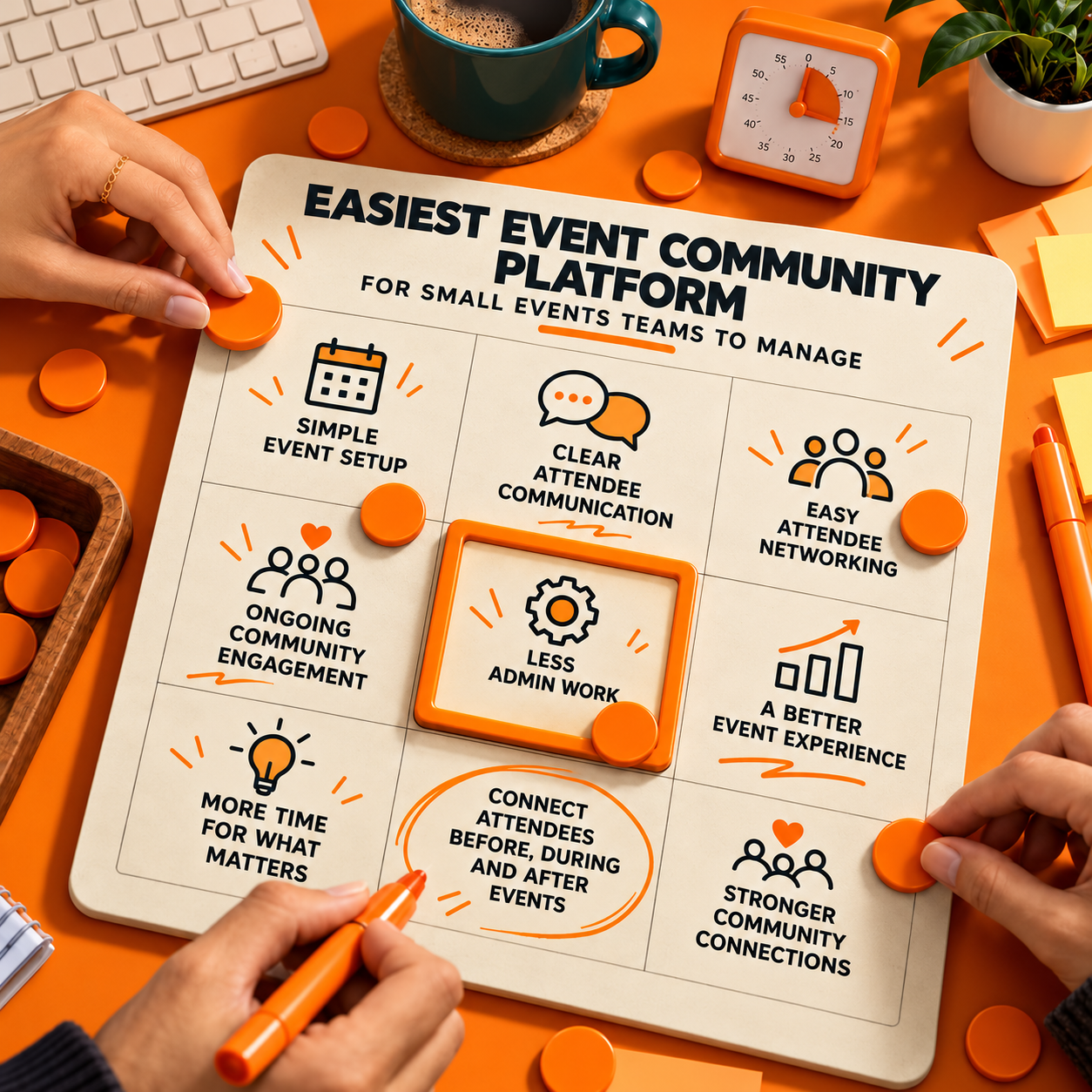
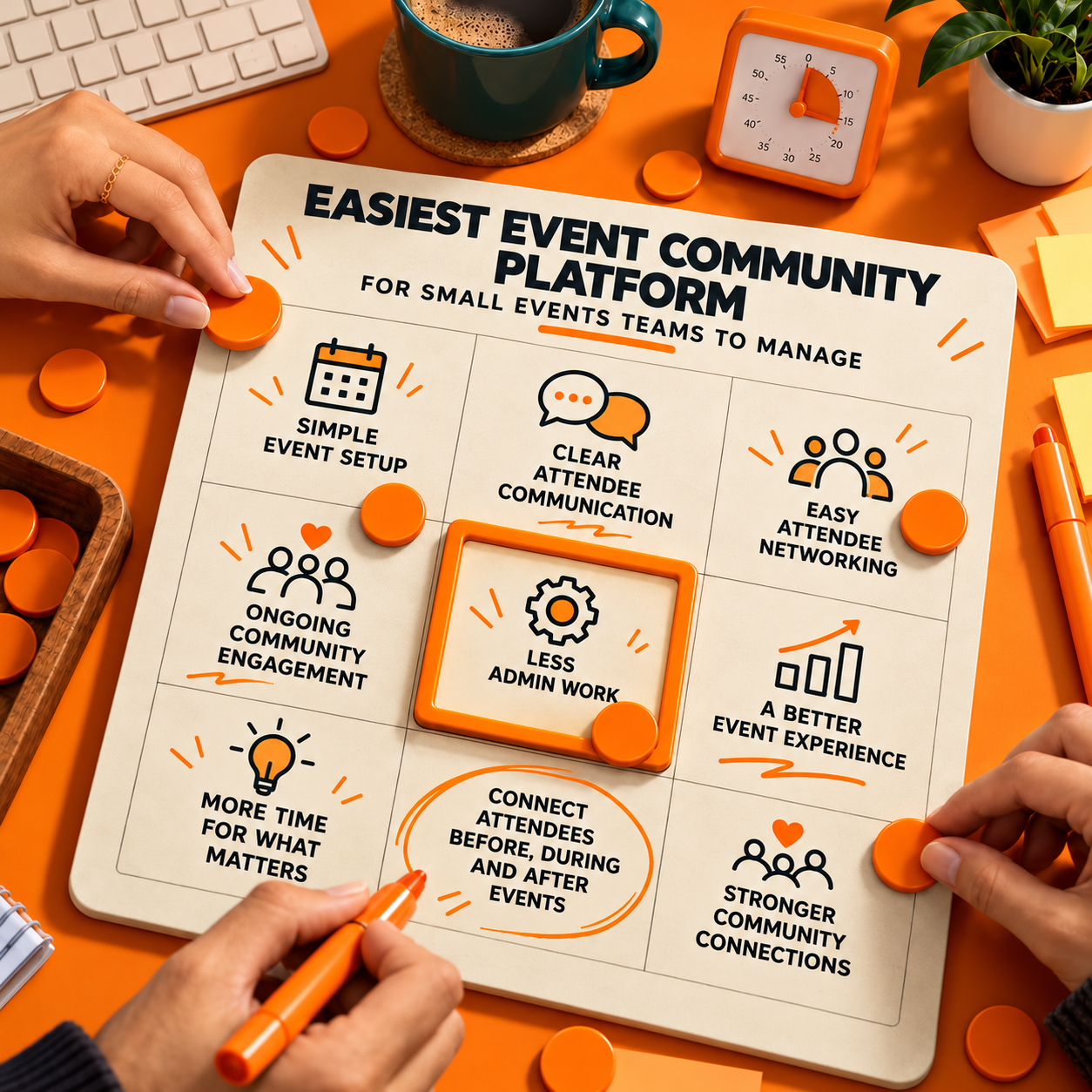
Small events teams should focus on a few essential capabilities rather than choosing software with the longest feature list.
1. Simple Event Setup
Creating an event shouldn't require complicated technical steps.
Organisers need an easy way to prepare event information, manage schedules and share important details with attendees.
For example, a small association hosting a quarterly workshop should be able to organise the event without rebuilding its entire process each time.
When comparing platforms, check how quickly your team can create an event, update information and prepare everything attendees need.
The fewer unnecessary steps, the easier it is to manage recurring events.
2. Clear Attendee Communication
Answering repeated questions can take up a surprising amount of time.
Attendees may ask about venue directions, session schedules, speaker details or last-minute changes.
When updates are scattered across emails and messaging groups, important information can be missed.
A community platform should provide a clear place for organisers to communicate with attendees.
SixSides supports community posts and official organiser updates, allowing important announcements to remain visible alongside attendee discussions.
This helps organisers share information while giving participants space to ask questions and interact.
3. Easy Attendee Networking
Small events teams often want attendees to make meaningful connections but have limited time to facilitate every introduction.
Consider a professional networking meetup where several attendees are participating for the first time.
Some may feel uncomfortable approaching people they don't know.
An event community platform that supports attendee profiles, conversations and meeting arrangements can help participants connect before arriving.
SixSides includes attendee networking and meeting booking features that support these interactions.
This gives organisers another way to encourage networking without relying entirely on introductions during the event.
4. Community Engagement Between Events
For organisations hosting regular gatherings, managing the event itself is only part of the job.
Attendees may meet interesting people during a workshop but lose contact once it finishes.
The team then needs to rebuild interest before the next gathering.
Community software can help keep conversations going.
For example, an association could encourage members to continue discussing a workshop topic, share useful resources or reconnect with someone they met.
SixSides supports community posts and discussions that extend beyond individual events.
This is particularly useful for small teams trying to build an active community without organising an entirely new engagement campaign after every gathering.
For more practical examples, read Community Event Software for Local Member Groups.
How SixSides Fits Small Events Teams
SixSides is community and event software designed to help organisers connect attendees, speakers, sponsors and members before, during and after events.
Its published capabilities include:
- Event setup: Create and manage events within one platform.
- Branded event app: Give attendees access to a connected event experience.
- Community posts: Share official updates and encourage discussions.
- **Attendee networking:**Help participants discover and connect with one another.
- Meeting bookings: Allow attendees to arrange conversations.
- Surveys and polls: Collect feedback and encourage participation.
- **Networking gamification: **Use points, badges and leaderboards to encourage introductions.
For a small association running several events throughout the year, bringing these activities into one platform may reduce the need to manage separate tools for each stage of the attendee experience.
However, having multiple features doesn't automatically make software easier to use.
Teams should confirm the setup process, administrative controls, integrations and level of support before deciding whether SixSides fits their workflow.
The platform is particularly relevant when ongoing community engagement matters as much as organising individual events.
How to Compare Platforms Without Overcomplicating the Decision
The easiest way to compare event community platforms is to test them against the work your team already does.
Rather than asking providers to demonstrate every available feature, focus on a typical event.
For example, ask the provider to show how your team would organise a networking breakfast from start to finish.
Pay attention to a few practical questions:
How long does event setup take?
Can your team create and update an event without specialist technical knowledge?
Can attendees find information easily?
Look at how event details, announcements and updates appear from the attendee's perspective.
Does the platform reduce administrative work?
Consider whether it replaces repetitive tasks or creates additional steps.
Can attendees connect before and after events?
If networking is important, make sure the platform supports more than event-day information.
Does it work with your existing systems?
Check whether essential integrations, imports and exports are available.
For a more detailed comparison framework, see How to Compare Event Community Platforms for 2026.
Should Small Teams Choose Basic Event Software or a Community Platform?
The answer depends on how frequently the organisation runs events and what it wants attendees to experience.
A small team organising an occasional seminar may only need a straightforward event registration tool.
If the main requirements are collecting RSVPs, sending reminders and managing attendance, a basic solution may be sufficient.
However, an association running monthly meetups, networking sessions and member activities may need more.
In that situation, community and event software can offer a more connected approach.
Instead of treating every event as a separate activity, organisers can encourage participants to build relationships that continue throughout the year.
The important question is whether those additional capabilities make the team's work easier and improve the attendee experience.
Choosing a Platform That Makes Events Easier
For small events teams, the best platform is not necessarily the one with the most features.
It's the one that helps organisers complete essential tasks without unnecessary complexity.
Simple event setup, clear communication, useful networking tools and ongoing community engagement are good starting points.
SixSides is worth exploring for associations and event organisers who want to manage events while building stronger connections between attendees.
However, teams should test its workflows against their specific requirements before making a decision.
The right platform should give a small team more time to focus on people, conversations and the experience itself.
Looking for a simpler way to manage events and keep your community connected? Explore SixSides and book a demo to see whether its community and event software fits your team's needs.
Give your event a community that lasts
A branded app where members show up before day one and stay long after the close. We'll walk you through it.